What you'll learn
Junior Computer Course
For Class: VI to X (6th–10th Standard)
Level: Foundation → Intermediate → Pre-Professional
Course Objective
To develop computer literacy, logical thinking, digital skills, and responsible technology usage among school students, preparing them for higher education, competitive exams, and future careers.
Course Structure (Class-wise Design)
Class 6 – Computer Fundamentals
Focus: Basic computer awareness & digital habits
Skills Gained:
- Computer handling
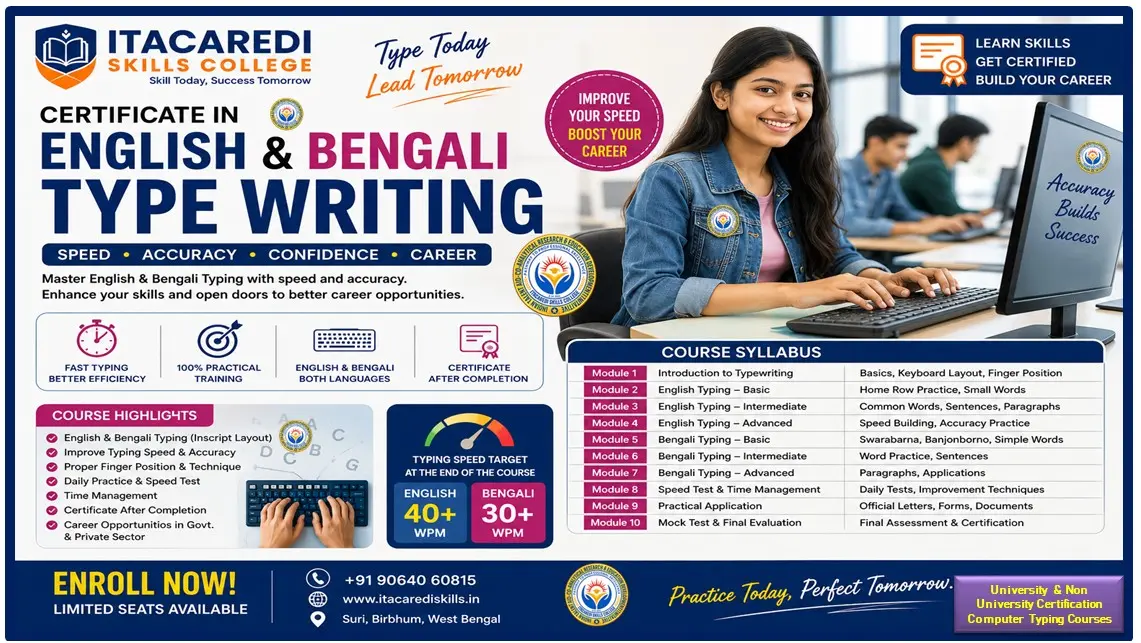
- Typing basics
- Drawing & creativity
- Safe computer usage
Class 7 – Office Tools & Internet
Focus: Productivity & digital communication
Skills Gained:
- Document creation
- Basic data handling
- Presentation skills
- Email communication
Class 8 – Advanced Office & Logic Building
Focus: Practical computing & logical thinking
Skills Gained:
- Logical thinking
- Structured problem-solving
- Creative coding basics
- Data presentation
Class 9 – Programming & Web Basics
Focus: Coding foundation & technology exposure
Skills Gained:
- Coding fundamentals
- Web design basics
- Problem-solving mindset
- Career awareness
Class 10 – Advanced Computing & Career Readiness
Focus: Skill readiness & future pathways
Skills Gained:
- Project development
- Analytical thinking
- Technology awareness
- Career preparedness
Practical Components
- Hands-on lab practice
- Mini projects every class
- Group activities
- Quizzes & assessments
Assessment Pattern
- Practical: 60%
- Theory: 30%
- Attendance & Activities: 10%
Certification
- Junior Computer Certificate (Class-wise)
- Final Computer Proficiency Certificate (after Class 10)
Course Outcomes
Students will be able to:
- Use computers confidently
- Create documents, presentations & basic programs
- Understand coding fundamentals
- Use the internet safely & responsibly
- Prepare for higher computer studies
Show More
Course Syllabus
Class 6 – Computer Fundamentals
Focus: Basic computer awareness & digital habits
Modules:
- Introduction to Computers
- Hardware & Software
- Input, Output & Storage Devices
- Operating System Basics (Windows/Linux)
- Keyboard & Mouse Practice
- Introduction to MS Paint
- Basic Internet Awareness
- Digital Safety & Cyber Etiquette
Class 7 – Office Tools & Internet
Focus: Productivity & digital communication
Modules:
- Computer Revision & File Management
- MS Word – Documents & Formatting
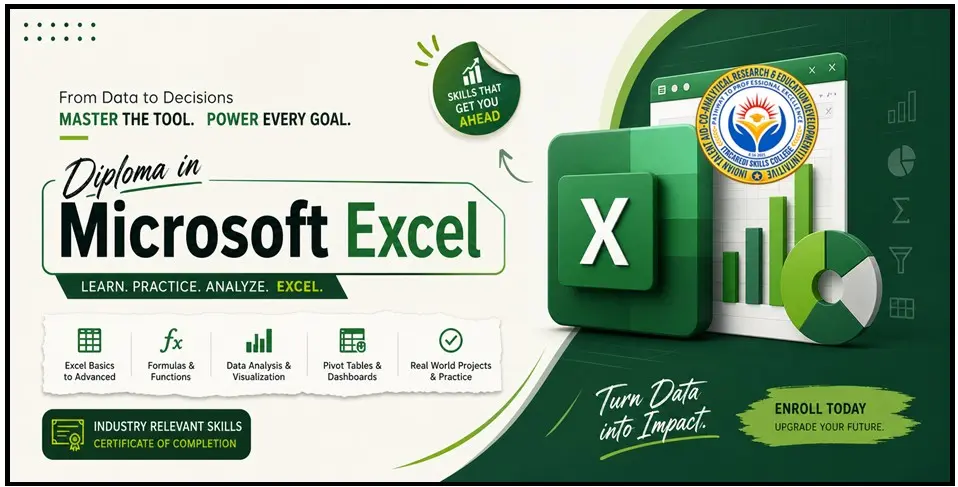
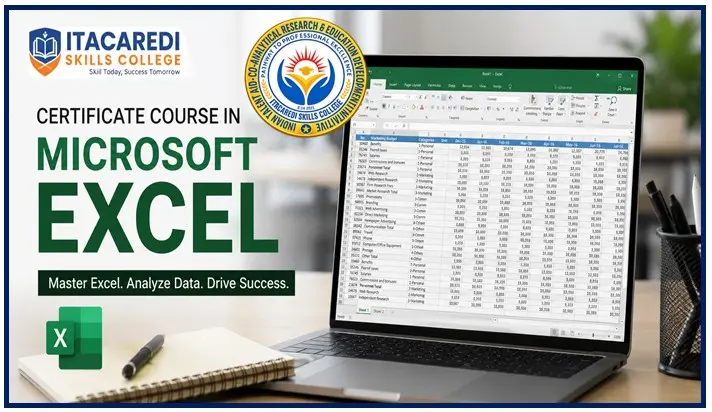
- MS Excel – Tables & Simple Calculations
- MS PowerPoint – Presentations
- Internet & Email Basics
- Google Tools (Docs, G mail – Intro)
- Online Safety & Cyber Awareness
Class 8 – Advanced Office & Logic Building
Focus: Practical computing & logical thinking
Modules:
- Advanced MS Word & Excel
- Charts & Data Visualization
- Introduction to Algorithms & Flowcharts
- Introduction to Scratch / Block Coding
- Internet Research Skills
- Digital Citizenship
- Introduction to AI (Conceptual)
Class 9 – Programming & Web Basics
Focus: Coding foundation & technology exposure
Modules:
- Computer System Architecture
- Introduction to Programming (Python / C – Basics)
- Variables, Conditions & Loops
- HTML Basics – Web Page Design
- CSS Basics
- Cyber Security Basics
- Career Options in Computer Science
Class 10 – Advanced Computing & Career Readiness
Focus: Skill readiness & future pathways
Modules:
- Advanced Programming Concepts
- Database Basics (Intro to SQL)
- Web Project (Mini Website)
- Introduction to AI, Data Science & IoT (Conceptual)
- Digital Marketing Basics
- Cyber Ethics & Online Laws
- Project Work & Viva